How to make a vertical video collage for TikTok and Reels
A vertical collage puts several clips in one tall 9:16 frame, ready for TikTok, Reels, Shorts or a story. Here is how to make one, step by step, with a free editor that runs in your browser.
The short version
Open the editor1.Set the format to 9:16
Open the online video collage editor and choose 9:16 under Format. That is the tall shape TikTok, Instagram Reels, YouTube Shorts and stories use. Want a head start? The Reaction tile under Start from opens a 9:16 collage with two clips stacked.
2.Choose a stacked layout
In a tall frame, layouts that stack clips vertically — two or three cells one above the other — use the space best. Open the Layout tab and pick one with as many cells as you have clips; you can change it later and your clips refill the new cells.
3.Add clips and frame them
Press Add media and choose your videos or photos; they fill the cells in order. Drag inside a cell to move the picture and use zoom to crop in, so faces and the main action are not cut off. Drag the border between cells to give one more room.
4.Add music and a caption
Pick a track in the Music tab (a free library, or your own). Add a short caption with Text — vertical videos are often watched without sound, so a few words help. Lower or mute a clip's own sound if it competes with the music.
5.Cut it to length and export
Use a length preset — 15, 30 or 60 seconds — to fit the video to a story or a post, then press Export and choose MP4. 1080p is sharp on any phone. It is made in your browser, with no upload and no watermark, and on a phone the file can go straight to the share sheet.
Tips for a vertical video
- Keep the action centred
- App buttons and captions sit near the screen edges, so keep faces and the main action away from the very top and bottom.
- Two or three clips is plenty
- More cells make each one very small on a phone screen.
- Add a few words of text
- Many people scroll with the sound off; a short caption tells them what they are watching.
- Short beats long
- 15 to 30 seconds holds attention better than a minute for most short-video feeds.
- Match the clips
- Clips shot on different phones look different side by side; give them one colour look.
- Export 1080p
- It is sharp on any phone and exports faster than 4K.
On a phone
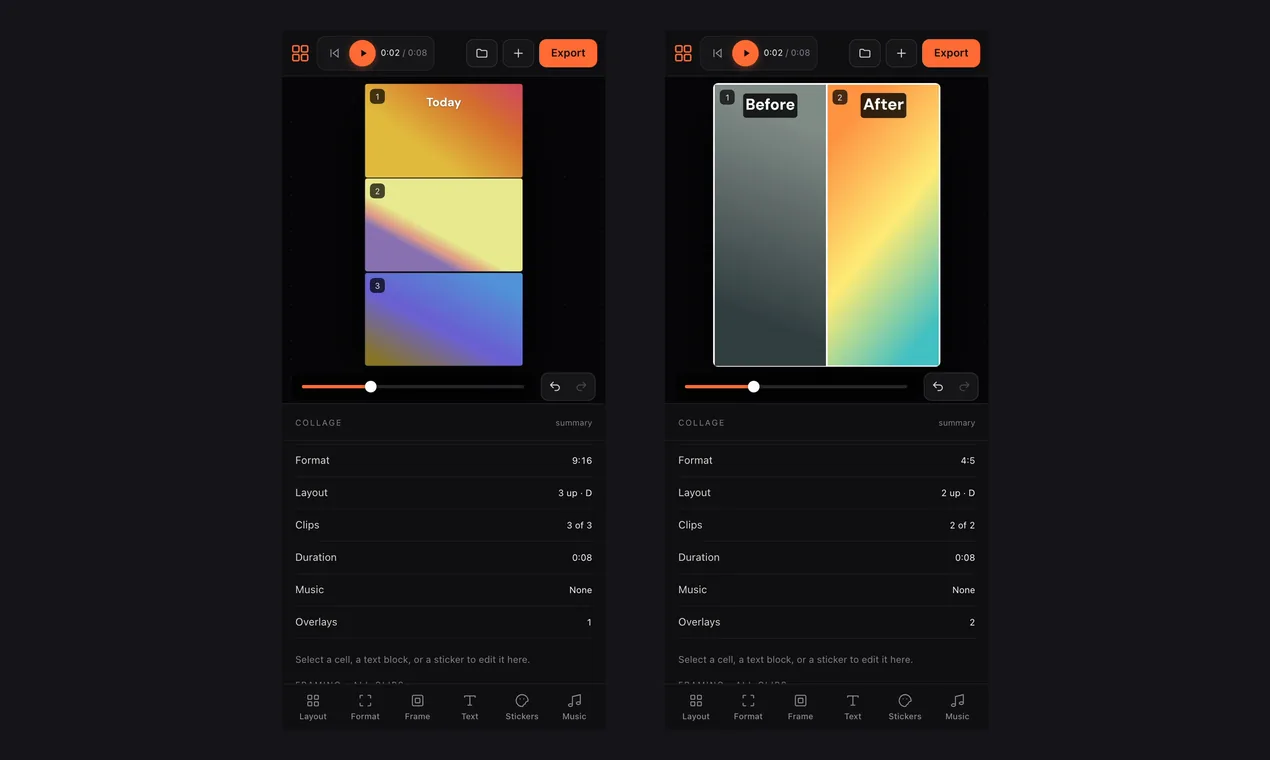
Because vertical video is made for phones, it is easy to do on one: the same editor opens in your phone’s browser, with the tools in a bar along the bottom and the canvas above.
Common questions
- What size is a TikTok or Reels video?
- The tall 9:16 shape. In the editor, choose 9:16 under Format and the exported video has that shape.
- How do I put two videos on top of each other?
- Choose 9:16, then a layout with two stacked cells, or use the Reaction tile under Start from, and add one clip to each cell.
- How long can the video be?
- Use the length presets of 15, 30 or 60 seconds, or trim each clip yourself on the timeline.
- Is it free, and is there a watermark?
- It is free, with no sign-up and no watermark on the exported video.
- Can I make it on my phone?
- Yes. The same editor works in your phone’s browser, and the finished file can go straight to the share sheet.
More guides: make a video collage · video from photos and clips · travel video · two videos side by side · before and after