How to make a travel video from your trip clips and photos
A good travel video is a few well-chosen moments in order, with music. You can build one yourself from a ready-made Travel layout, or let AI cut it for you. Here is how, step by step — free, in your browser.
The short version
Open the editor1.Pick one moment per place, not everything
A trip produces hundreds of clips. Choose the few that tell it: an arrival, the view you went for, a meal, a funny moment, a goodbye. One strong clip or photo per moment keeps the video moving; near-duplicates make it drag.
2.Choose how to build it
Quickest: open the AI video collage, add your photos and clips, choose the Cinematic style, where each moment lingers, and press Create video. It picks the moments and times the cuts to the music.
Most control: open the video collage editor and pick the Travel tile under Start from. It sets up a 16:9 collage that runs up to 60 seconds, with a vivid colour look, mid-tempo music and an “Our trip” caption, ready for your clips.
3.Put the clips in order
In the editor, add your clips and photos and choose whether they play together or one after another. For a trip, one after another reads best: the clips become a story from first place to last. Drag the ends of a clip's bar on the timeline to trim it to the best few seconds.
4.Name the place and pick the music
Replace “Our trip” with the place and year using the Text tool, and choose a song from the free Music tab (Upbeat, Mid or Calm). Music fades in and out on its own. Give every clip the same colour look so footage from different phones matches.
5.Export for where it will be watched
Press Export and choose MP4 — 16:9 suits YouTube, a TV or a laptop; for a phone feed make a 9:16 version too. The video is made in your browser: nothing is uploaded and there is no watermark. On a phone the file can go straight to the share sheet.
Tips for a better travel video
- Open on the best shot
- People decide in the first seconds. Start with the view or moment that says where you were.
- Keep clips short
- Two to four seconds per clip is enough for most moments; trim the rest.
- Mix wide and close
- Alternate a wide landscape with a close-up of a face or a meal so the pace has variety.
- Use your own photos too
- Photos work in any cell and get a gentle movement, so a still of a view sits well next to a video.
- One look for everything
- Clips from a phone, a camera and a drone rarely match. A single colour look pulls them together.
- Make a short and a long one
- A 15-second teaser for a story, and the full minute for friends and family.
On a phone
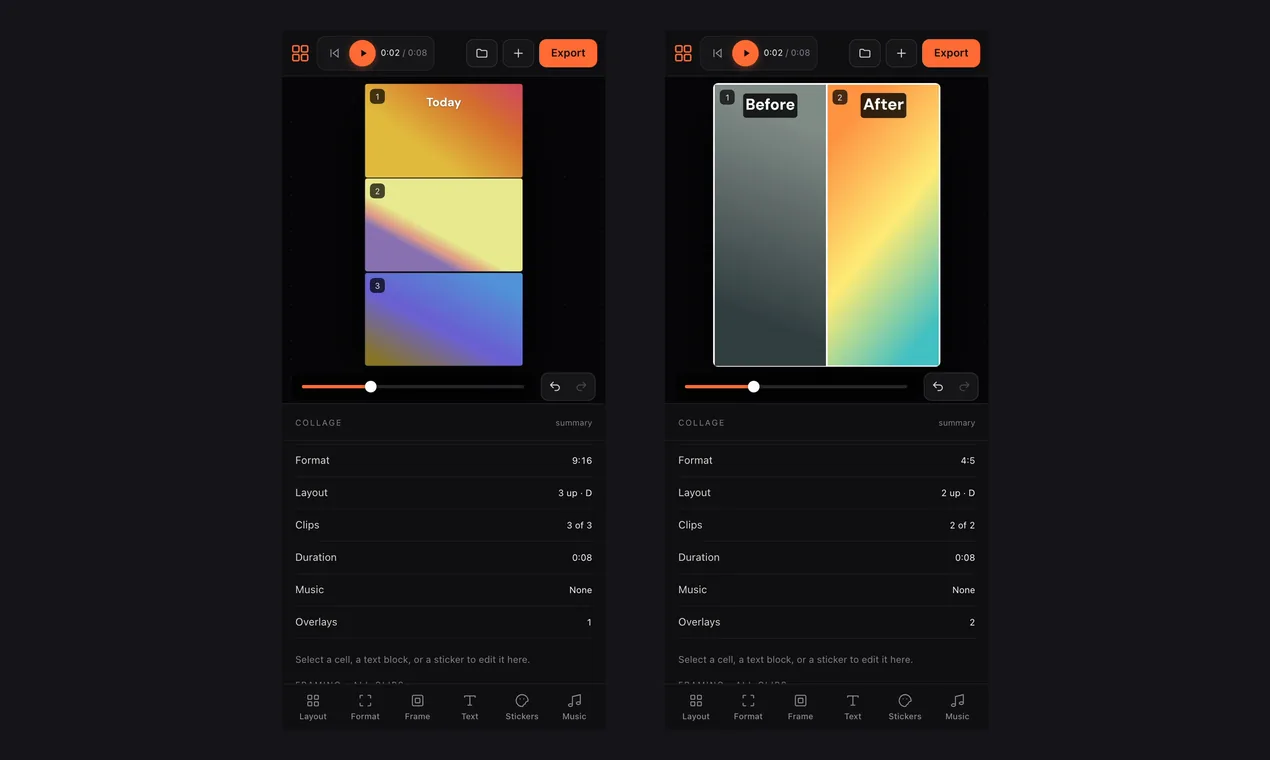
Both routes work in a phone’s browser, so you can make the video straight after the trip from your camera roll. The tools sit in a bar at the bottom of the screen, and the share sheet sends the finished video on.
Common questions
- How do I make a travel video from my trip clips and photos?
- Either add them to the AI video collage and choose the Cinematic style, or open the editor, pick the Travel starter, add your clips and trim them. Both export an MP4.
- How long should a travel video be?
- The Travel starter allows up to 60 seconds. For a social post 15 to 30 seconds is plenty; for family a minute or two works.
- Can I mix photos and videos?
- Yes. Any cell takes a photo or a video, and photos get a gentle movement.
- Is it free, and are my files uploaded?
- It is free, with no sign-up and no watermark, and your files stay on your device — editing and export happen in the browser.
- Can I add my own music?
- Yes. Choose from the free library, or upload your own track in the Music tab of the editor.
More guides: video from photos and clips · make a video collage · vertical video · collage with music · photos and videos